
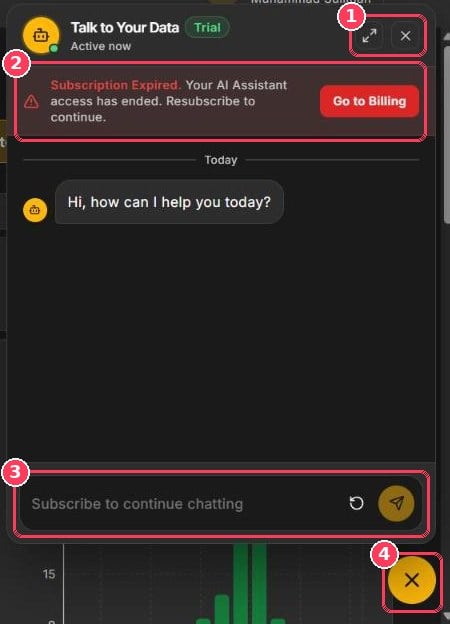
Talk to Your Data assistant
Ask a question
1
Open the assistant
Click the chat bubble in the bottom-right corner. The assistant greets you with Hi, how can I help you today?
2
Type your question
Ask in plain language — see the examples below.
3
Send
Click the send button or press Enter.
4
Follow up
Ask follow-up questions to drill deeper. Click the circular-arrow button to start fresh.
Example questions
Performance
- What was our average score last week?
- Which agents scored below 60 this month?
Quality issues
- How many fatal incidents did we have yesterday?
- Which parameter loses the most points?
Agents
- How is Sarah performing compared to last month?
- Who are our top five agents?
Trends
- Is churn risk increasing?
- Which work codes are most common?
Subscription
The AI Assistant is a paid add-on billed monthly. If the subscription has expired, the panel shows Subscription Expired and the message box reads Subscribe to continue chatting. Renew it from Billing & Subscription.You can also open the assistant from Getting Started → What’s New → AI Assistant → Try now.